
JMarkets $100 Welcome Rewards and review the offer terms
Review JMarkets $100 Welcome Rewards to find promotion details, eligibility rules, and the steps required to access this welcome offer.
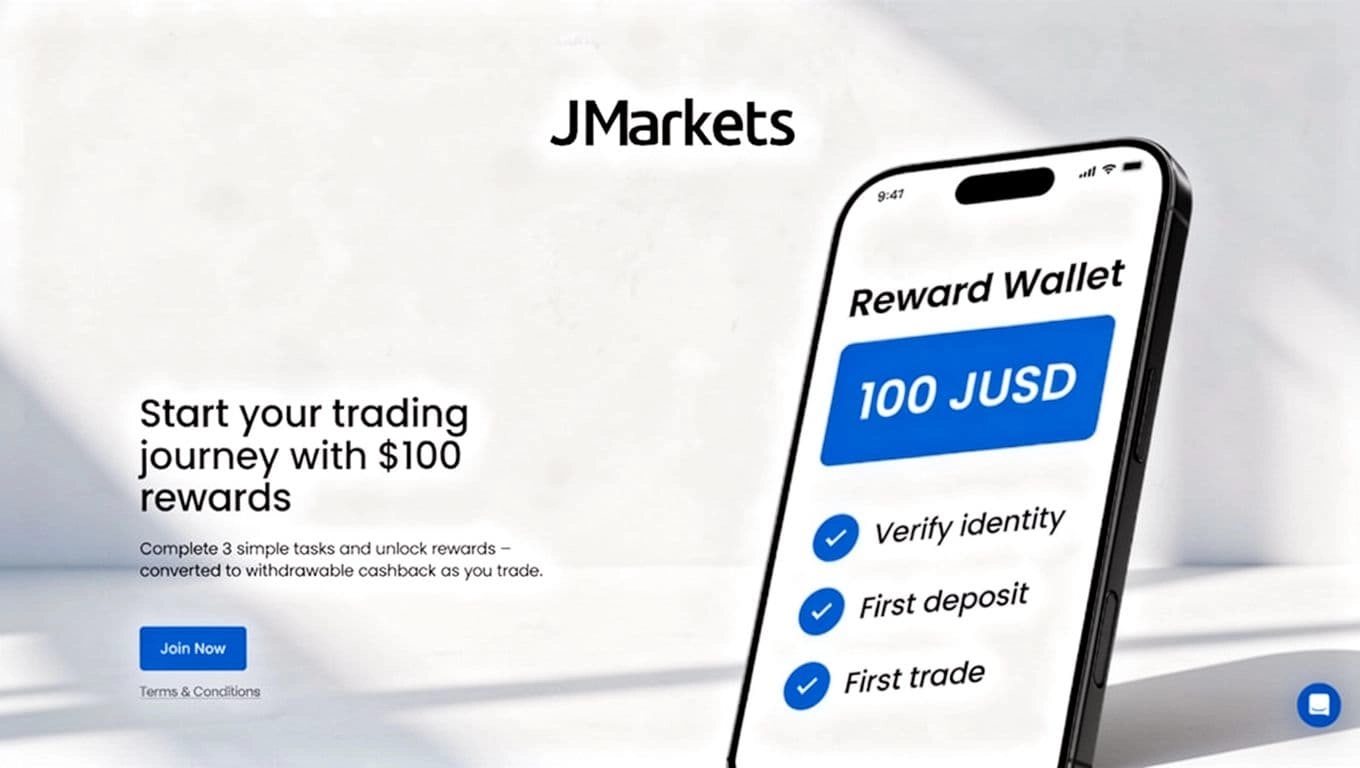
Direct link: JMarkets $100 Welcome Rewards and review the offer terms
JMarkets $100 Welcome Rewards program gives eligible new traders up to $100 after they complete three required steps, including account verification and an initial deposit.
The $100 Welcome Rewards is credited in stages, and the program's terms determine how traders can use or withdraw the resulting cashback, so review the official Welcome Rewards terms before signing up.
Get up to 100 JUSD when you start trading
Complete three straightforward tasks to receive rewards. After you transfer your JUSD to a trading account, it helps cover part of your trading costs and converts into withdrawable cashback.
- 25 JUSD for identity verification
- 25 JUSD for your first deposit
- 50 JUSD for your first trade
How the JMarkets $100 Welcome Rewards work
Earn
Complete the three available tasks and receive JUSD in your Reward wallet.
Transfer
Move your JUSD from the Reward wallet to your preferred trading account.
Trade
Trade as usual. The next day, you'll receive cashback equal to 50% of eligible spreads and commissions.
Key benefits
1 JUSD equals 1 USD
Each JUSD has a value of 1 USD. You can transfer your rewards from the Reward wallet to one or more eligible trading accounts.
Reduce trading costs by 50%
JUSD covers half of your eligible spreads and commissions. The covered amount becomes withdrawable cashback after you trade.
Grow your account balance
Cashback is added to your trading account balance the next day. You can withdraw it or use it for future trades.
Check your available rewards
Your available JUSD balance appears in the Reward wallet. From there, you can transfer rewards to your preferred trading account.
Monitor rewards on your accounts
After transferring JUSD, you can track the balance assigned to each trading account. The reward covers 50% of eligible trading costs, and the cashback is credited the following day.
Frequently asked questions
1. What is JUSD?
JUSD is a trading reward that can convert into real money through eligible trading activity. When you place a trade using JUSD in your trading account, you pay the usual spread or commission. Then, 50% of those costs is deducted from your JUSD balance and credited as cashback to your trading account.
1 JUSD = 1 USD
2. How much can new clients earn in welcome rewards?
New clients can earn up to 100 JUSD.
3. How can I earn the welcome rewards?
After you register, you'll find three tasks in your Personal Area:
- Verify your identity
- Make your first deposit
- Place your first trade
Once you complete each task, the corresponding JUSD reward is added to your Reward wallet.
4. How do I use my JUSD rewards?
After you close a trade, 50% of the eligible spread or commission is refunded from your JUSD balance as cashback. The cashback is credited to your trading account balance the next day and can be withdrawn.
5. Where can I check my JUSD balance?
You can view your JUSD balance in the Reward wallet section of your Personal Area.
6. How do I transfer JUSD to a trading account?
Open the Available reward section in your Reward wallet and select Transfer to account. Choose the trading account and enter the amount you'd like to transfer. The JUSD will be moved to the selected account immediately after the transaction is completed.
7. Can I withdraw JUSD or exchange it for cash or another bonus?
No. JUSD itself cannot be withdrawn or exchanged directly for cash or another bonus. You can only use it to cover 50% of eligible spreads and trading commissions. The resulting cashback is credited to your trading account and is withdrawable.
8. Which trading costs does JUSD cover?
JUSD covers 50% of eligible spreads and commissions. You can divide your rewards among multiple trading accounts, and the reduction applies automatically when you trade.
For Standard and Pro accounts, which don't charge commissions, JUSD covers 50% of the spread at trade opening. For Raw Spread accounts, JUSD covers 50% of the spread at opening and 50% of the trading commission.
9. Do JUSD rewards expire?
Yes. Each reward has an expiration period. You can find the exact expiration date in your Personal Area, within the bonus transactions section of your Reward wallet.
10. Can I move JUSD back to my Reward wallet?
No. Once you transfer JUSD to a trading account, you can't return it to the Reward wallet.
11. Why can't I transfer JUSD to some trading accounts?
You can't transfer JUSD to an account if your profile hasn't completed document verification. After your profile is fully verified, you can allocate rewards to eligible trading accounts.
12. Where can I see my cashback amount?
Open the Received cashback section in your Reward wallet to view the cashback you've received.
Start trading with your welcome rewards
Complete the three tasks, transfer your JUSD to an eligible trading account, and begin trading with reduced eligible costs.