
FXVPS Review 2026 Is It the Right Forex VPS for MT4, MT5 and Automated Trading?
Discover our FXVPS review for 2026. Explore AMD Ryzen performance, low-latency Forex VPS hosting, MT4/MT5 support, pricing, features and plans.
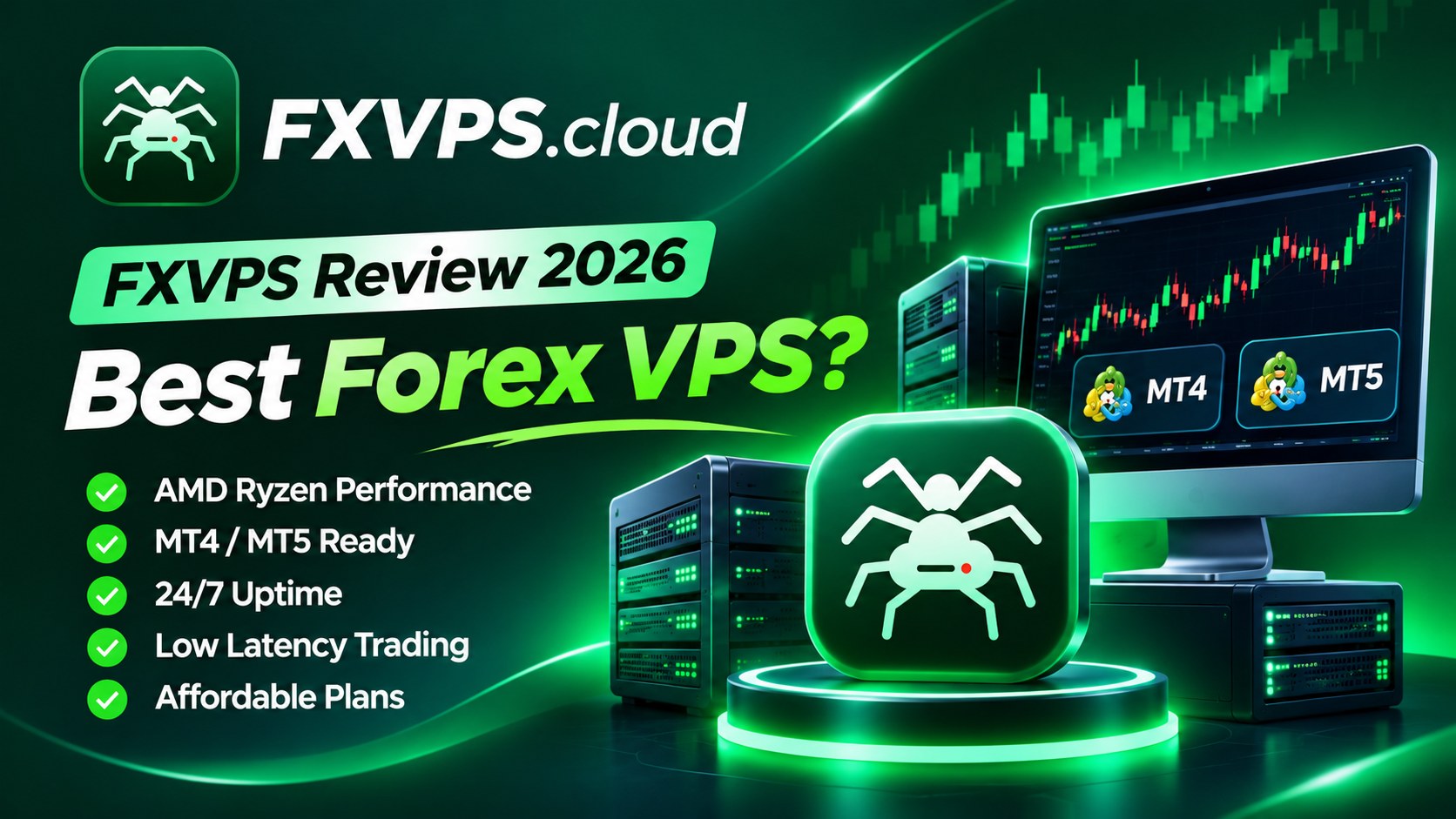
Direct link: FXVPS Review 2026 Is It the Right Forex VPS for MT4, MT5 and Automate...
FXVPS Review: Keep Your Trading Strategies Running 24/7
Imagine your Expert Advisor identifies the perfect trading opportunity in the middle of the night, but your home computer has shut down or your internet connection has dropped. By the time you reconnect, the opportunity may already be gone.
For traders who depend on automated strategies, trade copiers, and MetaTrader platforms, uninterrupted connectivity is essential. This is where a reliable Forex VPS can make a significant difference.
FXVPS is a Forex-focused VPS hosting provider designed to help traders keep their trading platforms running around the clock. Powered by AMD Ryzen processors and NVMe storage, FXVPS offers Windows Server environments specifically designed for MetaTrader 4, MetaTrader 5, Expert Advisors (EAs), and automated trading systems.
But is FXVPS worth considering? In this review, we explore its features, performance specifications, pricing, advantages, and potential limitations to help you decide.
What Is FXVPS?
FXVPS (fxvps.cloud) provides specialized Virtual Private Server hosting for Forex and algorithmic traders. Unlike traditional VPS providers that serve multiple types of workloads, FXVPS focuses on trading-related applications and performance requirements.
Its primary objective is straightforward: keep your trading platforms connected and operational even when your personal computer is switched off.
The service offers Windows Server VPS environments with dedicated vCPU resources, RAM, and NVMe storage. Traders can remotely access their servers, install their preferred trading platforms, configure automated strategies, and manage everything without keeping a home computer running continuously.
Whether you operate a single MT4 account or manage multiple MT5 terminals and trade copiers, FXVPS provides different configurations to accommodate various trading requirements.
FXVPS Key Features
1. AMD Ryzen-Powered Performance
One of the main highlights of FXVPS is its use of AMD Ryzen processors.
Trading applications, particularly MetaTrader 5 and complex Expert Advisors, can benefit from responsive CPU resources. FXVPS offers dedicated vCPU allocations designed to provide consistent computing resources for trading workloads.
Combined with NVMe storage, these configurations aim to deliver responsive performance when running multiple terminals, indicators, and automated strategies.
2. 24/7 Uninterrupted Trading
Your trading strategies should not depend on whether your laptop is switched on.
FXVPS allows traders to run MT4, MT5, and automated trading applications continuously from a remote Windows Server environment.
This helps reduce interruptions caused by:
Unexpected home power outages.
Unstable internet connections.
Computer shutdowns or sleep mode.
Windows restarts on personal computers.
Accidental disconnections.
Your local computer can remain switched off while your trading environment continues running on the VPS.
3. Optimized for MetaTrader 4 and MetaTrader 5
FXVPS is designed with popular trading platforms in mind.
It supports:
MetaTrader 4 (MT4)
MetaTrader 5 (MT5)
cTrader
NinjaTrader
TradingView Desktop
Python trading bots
Expert Advisors and trade copiers
This makes it suitable for traders who use different platforms or operate multiple automated trading systems.
4. Dedicated Resources and NVMe Storage
Resource allocation is particularly important when running multiple trading terminals.
FXVPS provides dedicated vCPU and RAM allocations alongside NVMe storage. Its infrastructure is designed to avoid excessive server overselling by maintaining spare capacity.
This approach can help reduce resource contention and provide a more consistent environment for automated trading applications.
5. Automatic Restart and Recovery
Unexpected server restarts should not require traders to manually rebuild their entire trading environment.
FXVPS offers automatic restart functionality for trading terminals following reboots or Windows updates.
This feature can help maintain trading continuity by allowing configured MT4 and MT5 terminals to start automatically after a restart.
6. Snapshots and Backups
Changing EA configurations or installing new trading software can sometimes introduce unexpected problems.
FXVPS includes snapshot functionality that allows users to capture their server state before making changes and restore a previous configuration when necessary.
This provides an additional layer of convenience when managing trading environments.
7. 24/7 Human Support
Technical assistance matters when a trading server experiences problems.
FXVPS advertises 24/7 human support, including assistance with migrating existing MT4/MT5 terminals and Expert Advisors.
For traders who are not particularly experienced with Windows Server administration, this can be a useful benefit.
FXVPS Pricing and Plans
FXVPS offers three primary VPS configurations designed for different trading workloads.
Here is a breakdown of the advertised monthly pricing and specifications.
| Feature | Start | Pro | Elite |
|---|---|---|---|
| Monthly Price | $11.48 | $19.67 | $31.97 |
| vCPU Cores | 2 | 4 | 6 |
| RAM | 2 GB | 4 GB | 8 GB |
| NVMe Storage | 50 GB | 80 GB | 120 GB |
| MT4/MT5 Terminals | 2 | 5 | 10 |
| Operating System | Windows Server | Windows Server | Windows Server |
Start Plan – $11.48/Month
The Start plan is designed for individual traders running one or two MT4/MT5 terminals.
It includes:
2 dedicated vCPU cores.
2 GB RAM.
50 GB NVMe storage.
Windows Server.
Automatic restart functionality.
It is a suitable starting point for traders who need a dedicated environment for a small number of trading applications.
Pro Plan – $19.67/Month
The Pro plan offers additional computing resources for traders operating multiple terminals and Expert Advisors.
It includes:
4 dedicated vCPU cores.
4 GB RAM.
80 GB NVMe storage.
Support for up to 5 MT4/MT5 terminals.
Windows Server.
For traders managing several accounts, indicators, and automated strategies simultaneously, this configuration offers a more capable environment.
Elite Plan – $31.97/Month
The Elite plan is designed for traders with heavier workloads, multiple trading accounts, and trade-copying requirements.
It includes:
6 dedicated vCPU cores.
8 GB RAM.
120 GB NVMe storage.
Support for up to 10 MT4/MT5 terminals.
Priority support.
It is the most powerful of the three advertised standard configurations and is worth considering for traders managing several trading environments.
Note: Prices are advertised starting monthly rates. Check the official website for current billing options, promotions, and any applicable terms.
How to Get Started with FXVPS
Getting started with FXVPS is relatively straightforward, even if you have limited VPS administration experience.
The process involves four simple steps:
Step 1: Choose Your VPS Plan
Select a configuration based on the number of trading terminals, Expert Advisors, and computing resources you require.
Step 2: Complete Your Payment
After purchasing your preferred plan, FXVPS automatically provisions your Windows Server environment.
Step 3: Connect Through Remote Desktop
Use Remote Desktop Connection from Windows, macOS, iPhone, or Android to access your VPS.
You can then install MetaTrader, configure your trading accounts, and transfer your Expert Advisors.
Step 4: Keep Trading 24/7
Once everything is configured, your trading platforms can continue running independently of your personal computer.
You can disconnect from the Remote Desktop session without shutting down the VPS.
Advantages and Disadvantages of FXVPS
Before choosing any hosting provider, it is important to consider both its strengths and limitations.
Advantages
Forex-focused VPS hosting infrastructure.
AMD Ryzen-powered server configurations.
NVMe storage for responsive performance.
Dedicated vCPU and RAM allocations.
Windows Server included.
Support for MT4, MT5, cTrader, and other trading applications.
Automatic terminal restart functionality.
Snapshot and recovery features.
24/7 human technical support.
VPS deployment within minutes, according to the provider.
Potential Limitations
Only three standard configurations are listed on the main pricing section.
Traders with very heavy workloads may require additional resources.
Actual trading latency depends on the VPS data centre location and the broker's server location.
Independent performance benchmarks and verified latency comparisons are not provided in the information reviewed.
Traders should check backup policies, uptime commitments, refund conditions, and renewal pricing before purchasing.
Is FXVPS Suitable for Your Trading Strategy?
FXVPS may be worth considering if your trading workflow depends on uninterrupted platform availability.
Here are some examples of traders who could benefit from this service:
Forex EA Traders: Automated trading strategies require an active and connected trading terminal. A VPS helps keep these applications running around the clock.
MT4 and MT5 Users: Traders who manage multiple MetaTrader accounts can benefit from dedicated computing resources.
Trade Copier Users: Copy trading applications need continuous connectivity between their source and receiving accounts.
Algorithmic Traders: Traders running automated strategies, Python bots, and other trading applications may find a remote Windows environment convenient.
Prop Firm Traders: Traders using proprietary trading firm accounts can use a VPS to maintain their trading environment independently of their personal computers, subject to their firm's VPS and automation policies.
Does FXVPS Really Offer Low Latency?
Latency is one of the most important factors when selecting a Forex VPS.
It refers to the time required for data to travel between your trading terminal and your broker's trading server.
FXVPS promotes low-latency trading infrastructure and AMD Ryzen-powered performance. However, it is important to understand that processor performance and network latency are two different things.
Your actual connection speed depends on several factors, including:
The geographical location of your broker's trading server.
The data centre location of your VPS.
Network routing and connectivity.
Your broker's infrastructure.
For the best experience, traders should choose a VPS location geographically close to their broker's trading server and test the actual latency before moving their live trading environment.
A low-latency VPS can help improve execution consistency, but it cannot eliminate slippage or guarantee profitable trades.
Final Verdict: Is FXVPS Worth It?
FXVPS positions itself as a specialized hosting solution for Forex traders who need reliable, always-on trading environments.
Its AMD Ryzen-powered configurations, NVMe storage, dedicated resource allocations, Windows Server inclusion, and support for popular trading platforms make it an interesting option for both individual traders and users managing multiple automated strategies.
The three advertised plans provide a straightforward pricing structure, starting at $11.48 per month. The availability of automatic restarts, snapshots, and 24/7 technical support further adds to its appeal.
However, traders should evaluate server location, actual broker latency, backup policies, and service terms before making a final purchasing decision.
Our conclusion: If you are tired of keeping your computer switched on overnight or worrying about internet interruptions affecting your automated trading strategies, FXVPS is worth exploring as a dedicated Forex VPS hosting option.
Ready to keep your trading strategies online?
Visit the official website and explore the available configurations:
Website: https://fxvps.cloud/
Disclaimer: Forex and CFD trading involve substantial financial risk. VPS hosting can improve trading infrastructure reliability but does not guarantee execution quality, trading profits, or protection against market losses.