
Tickmill $30 Welcome Account Review – Free Live Trading on MT4
Tickmill $30 Welcome Account Review – Free Live Trading on MetaTrader 4 Account — and Exactly How to Turn forex trading Profit Into Withdraw-able Cash
Direct link: Tickmill $30 Welcome Account Review – Free Live Trading on MT4
Tickmill $30 Welcome Account Review Free Live Trading on MT4 and Exactly How to Turn Profit Into Withdrawable Cash
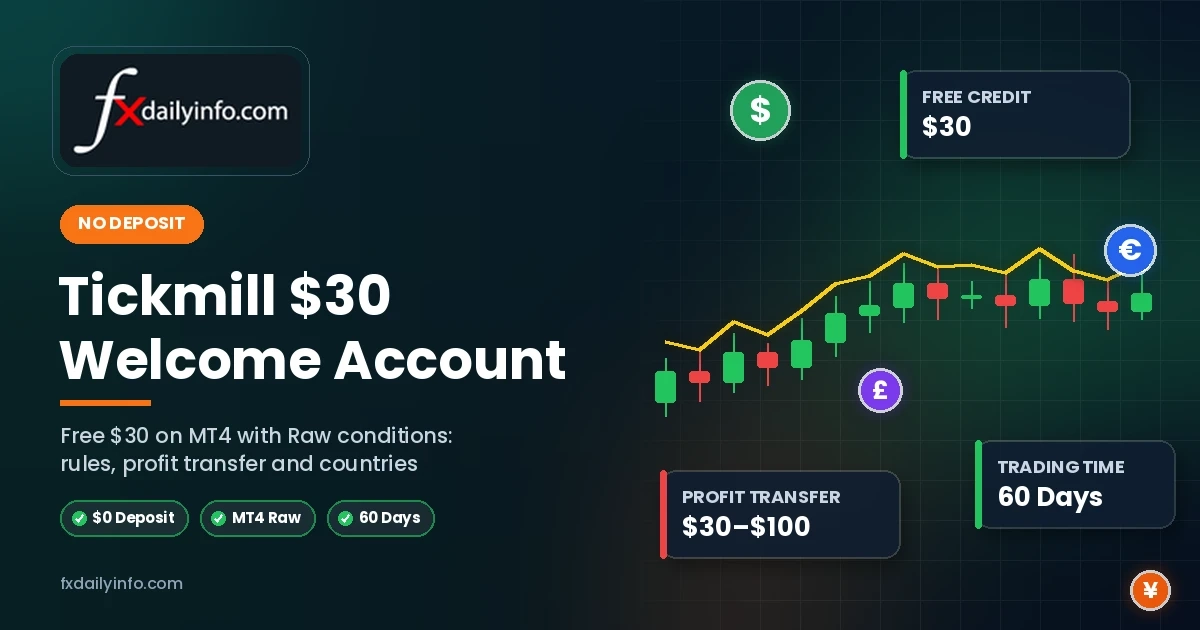
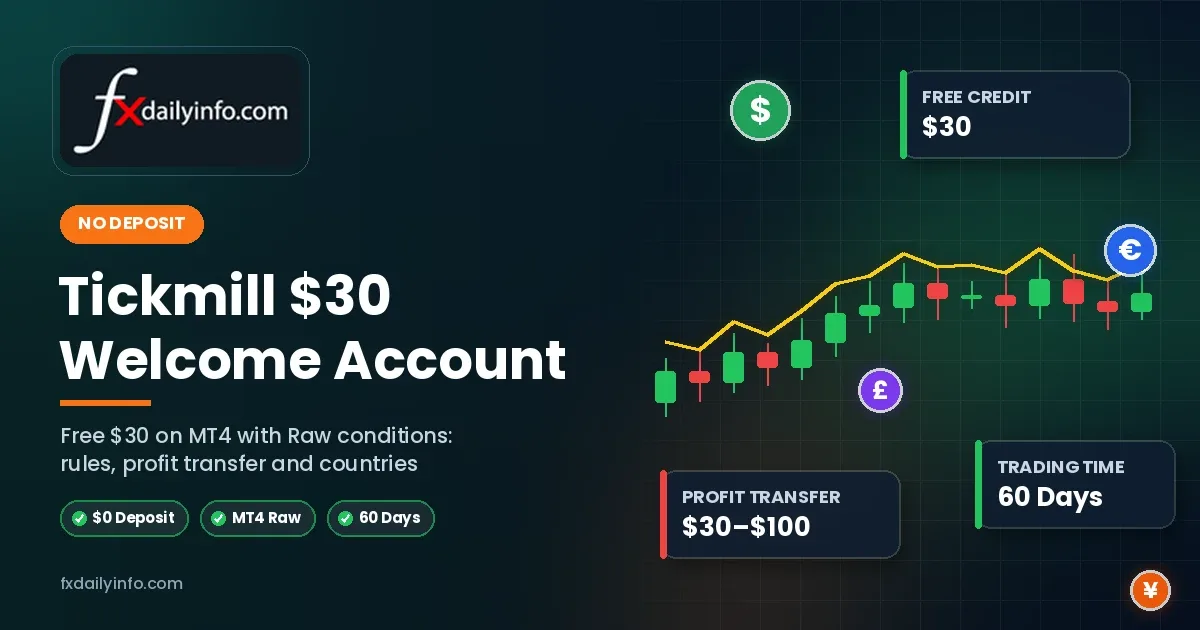
Quick Summary Tickmill's Welcome Account gives eligible new clients $30 to trade live forex and CFDs with no initial deposit. It runs on MetaTrader 4 with the same trading conditions as Tickmill's Raw account, and you have 60 days to trade plus 14 days to claim profit.
The $30 itself can't be withdrawn, but you can transfer between $30 and $100 of profit to your Tickmill Wallet once you verify a Client Area account and deposit at least $100.
The $30 Welcome Bonus offer is run by Tickmill Ltd (Seychelles, FSA) and isn't available in a long list of countries — including the EU, the UK, India, Bangladesh and Nigeria — so check eligibility first.
Most no deposit bonuses hide their real rules deep in the small print. Tickmill's Welcome Account is unusually transparent: the trading window, the profit range, the deposit rule and the restricted countries are all published on the promotion page.
That makes it one of the easiest no deposit offers to evaluate. This review explains every rule in plain language, shows how a profit transfer works step by step and highlights the conditions that catch people out.
Tickmill Welcome Account at a Glance
| Feature | Details |
|---|---|
| Bonus | $30, credited automatically after approval |
| Deposit to start | None |
| Currency | USD only |
| Platform | MetaTrader 4 (live account) |
| Trading conditions | Identical to Tickmill's Raw account |
| Markets | Live forex and CFDs |
| Trading period | 60 days from account opening |
| Time to claim profit | 14 extra days after trading ends |
| Profit you can transfer | Minimum $30, maximum $100 |
| Deposit needed to transfer profit | At least $100 into the Tickmill Wallet |
| Expert Advisors | Not allowed |
| Campaign holder | Tickmill Ltd, Seychelles (FSA SC) |
Source: Tickmill's official Welcome Account page and its terms and conditions.
What Makes This Offer Different
Real Raw-account trading conditions
The Welcome Account uses identical trading conditions to Tickmill's live Raw account type. You're not trading on a restricted bonus account with wider spreads — you experience the same environment as funded Raw-account clients.
Live markets, not a demo
Unlike a demo account, the Welcome Account trades live markets with broker-supplied funds. That means real execution and real trading psychology, even though your own money isn't at risk.
No published volume requirement
Many no deposit bonuses require you to trade a set number of lots before withdrawing. Tickmill's Welcome Account page doesn't specify a minimum trading volume for the profit transfer — the key conditions are the $30–$100 profit range, verification and the $100 Wallet deposit.
Tip Because there's no stated lot target, you don't need to over-trade to qualify. Focus on reaching at least $30 of profit with sensible risk management.
How to Open a Tickmill Welcome Account
- Register: complete the form with your first and last name, email, password, country, phone number, date of birth and preferred leverage.
- Review: Tickmill checks your application for eligibility.
- Receive your $30: the bonus is credited automatically and your MT4 login details are emailed to you. These credentials are for the Welcome Account only — not the Client Area.
- Trade: start trading forex and CFDs on MT4 within the 60-day window.
- Transfer profit: verify a Client Area account, deposit $100 and request your transfer.
Choosing Leverage You select leverage at registration and can raise or lower it later. With only $30, lower leverage and stop-loss orders help you avoid losing the balance on a single trade.
The Profit Transfer Rules — Step by Step
This is where most no deposit offers get complicated. Here's exactly what Tickmill requires:
| Step | Requirement |
|---|---|
| 1. Open a Client Area account | Use the same name, email, date of birth, phone number and other details as your Welcome Account registration |
| 2. Verify your identity | Upload identification documents to verify the Client Area account |
| 3. Deposit to your Wallet | Deposit at least $100 (or equivalent) into the Tickmill Wallet |
| 4. Keep it promotion-free | The new live MT4 account must not be linked to another promotion, such as a rebate campaign |
| 5. Request the transfer | Email support@tickmill.com to request the transfer to the same Wallet that received your deposit |
What happens after the transfer
- Your profit moves to your Wallet and can be withdrawn through the Client Area.
- The Welcome Account is disabled — no further trading is possible.
- Only one transfer request is allowed per client.
How much can you transfer?
| Profit Made | What You Can Transfer |
|---|---|
| $20 | Nothing yet — below the $30 minimum |
| $45 | $45 |
| $100 | $100 |
| $160 | $100 — the maximum |
Illustrative example based on the $30 minimum and $100 maximum transfer limits.
Timing Matters Because only one transfer request is allowed and the account closes afterwards, it usually makes sense to request the transfer once you're close to the $100 maximum — or before the 14-day claim window ends.
Who Can Claim — and Who Can't
Eligibility rules
- New clients only — existing Tickmill clients can't apply
- One Welcome Account per client
- Minimum age of 18
- Residence in a non-restricted country; EU citizens can't apply
- Accurate registration details — false information voids profits
Restricted countries
The Welcome Account isn't available in a long list of countries and territories. Notable examples include:
| Region | Restricted Countries (Examples) |
|---|---|
| Europe | All EU countries, the UK, Switzerland, Norway, Iceland, Liechtenstein |
| Asia | Bangladesh, India, Indonesia, Japan, Hong Kong, Macao, Taiwan, Thailand, Vietnam, Sri Lanka |
| Africa | Nigeria, South Africa, Ghana, Egypt, Morocco, Algeria, Uganda, Zimbabwe and others |
| Americas | Brazil, Mexico, Argentina, Chile, Colombia, Peru and others; Tickmill's services aren't directed at the US |
| Middle East | Jordan, Lebanon, Syria, Türkiye and others |
| Oceania | Australia |
Not a complete list. Check the full restricted-country list on Tickmill's Welcome Account page before registering.
Check Your Country First If your country is on the restricted list, don't try to register with false details or another person's information. Tickmill may reject or block requests that match another Welcome Account by IP address or other signals, and false information voids any profit.
Trading Rules and Prohibited Activity
| Rule | What It Means |
|---|---|
| No Expert Advisors | Automated trading robots can't be used on the Welcome Account |
| No deposits to the Welcome Account | The account runs only on the $30 credit |
| No third-party deposits | The bonus may be cancelled if detected |
| No hedging abuse | Hedging internally or externally to avoid market risk is treated as abuse |
| No quote exploitation | Using quote failures for guaranteed profit is treated as abuse |
| Campaign changes | Tickmill can change or cancel the campaign at any time |
Regulation: Which Tickmill Entity Runs the Offer?
The Welcome Account campaign is held by Tickmill Ltd, a Seychelles company regulated by the Financial Services Authority (FSA SC). The wider Tickmill group also includes entities regulated by the FCA (UK), CySEC (Europe) and the FSCA (South Africa) — but those entities don't run this no deposit promotion, which is why clients in their regions aren't eligible.
Pros and Cons
| Pros | Cons |
|---|---|
| No deposit needed to start | Long list of restricted countries |
| Raw-account conditions on live MT4 | $100 Wallet deposit required to transfer profit |
| No published lot-volume requirement | Transfers capped at $100 |
| Generous 60-day trading window | No Expert Advisors |
| Clear, published terms | Run by the offshore (Seychelles) entity |
Smart Strategy for Your $30 $30 Welcome Bonus offer
- Use low leverage: protect the small balance from sharp moves.
- Always set a stop-loss: one oversized loss can end the test.
- Trade micro lots: 0.01 lots keeps risk per trade manageable.
- Aim for $30 first: that's the minimum you can transfer.
- Track your deadline: 60 days of trading, then 14 days to claim.
- Prepare documents early: verification is needed before the transfer.
Frequently Asked Questions
Is the Tickmill Welcome Account free?
Yes, for eligible new clients. You don't deposit anything to start — Tickmill supplies $30 of live-trading funds.
Can I withdraw the $30 bonus?
No. The initial $30 can't be withdrawn or transferred. Only profit between $30 and $100 can be transferred.
Do I have to deposit to get my profit?
Yes. You must deposit at least $100 into your Tickmill Wallet and verify a Client Area account before transferring profit.
Is there a lot or volume requirement?
Tickmill's Welcome Account page doesn't specify a minimum trading volume for the profit transfer.
Which platform does it use?
MetaTrader 4, with the same trading conditions as Tickmill's Raw account.
Can I claim from Bangladesh or India?
No. Both are on the Welcome Account's restricted-country list, along with the EU, the UK and many other countries.
Final Verdict
Tickmill's $30 Welcome Account is one of the most transparent no deposit offers available: real Raw-account conditions on live MT4, a 60-day window, no published volume target and a clearly defined $30–$100 profit transfer.
Its two big limitations are the $100 Wallet deposit needed to transfer profit and a long restricted-country list. If you live in an eligible country and you're happy to fund an account later, it's an excellent way to test Tickmill's execution and spreads with zero upfront risk.
Risk Warning Trading forex and CFDs with leverage carries a high risk of losing money rapidly, and losses can occur as quickly as gains. The Welcome Account is a promotional offer that Tickmill can change or cancel at any time. Examples are illustrative. This article is for information only and is not financial advice. Always read the full terms on Tickmill's official website.